Bring your old photos back to life
Restore damaged photographs and add color to black-and-white pictures. Upload a photo and preview the result for free before buying.
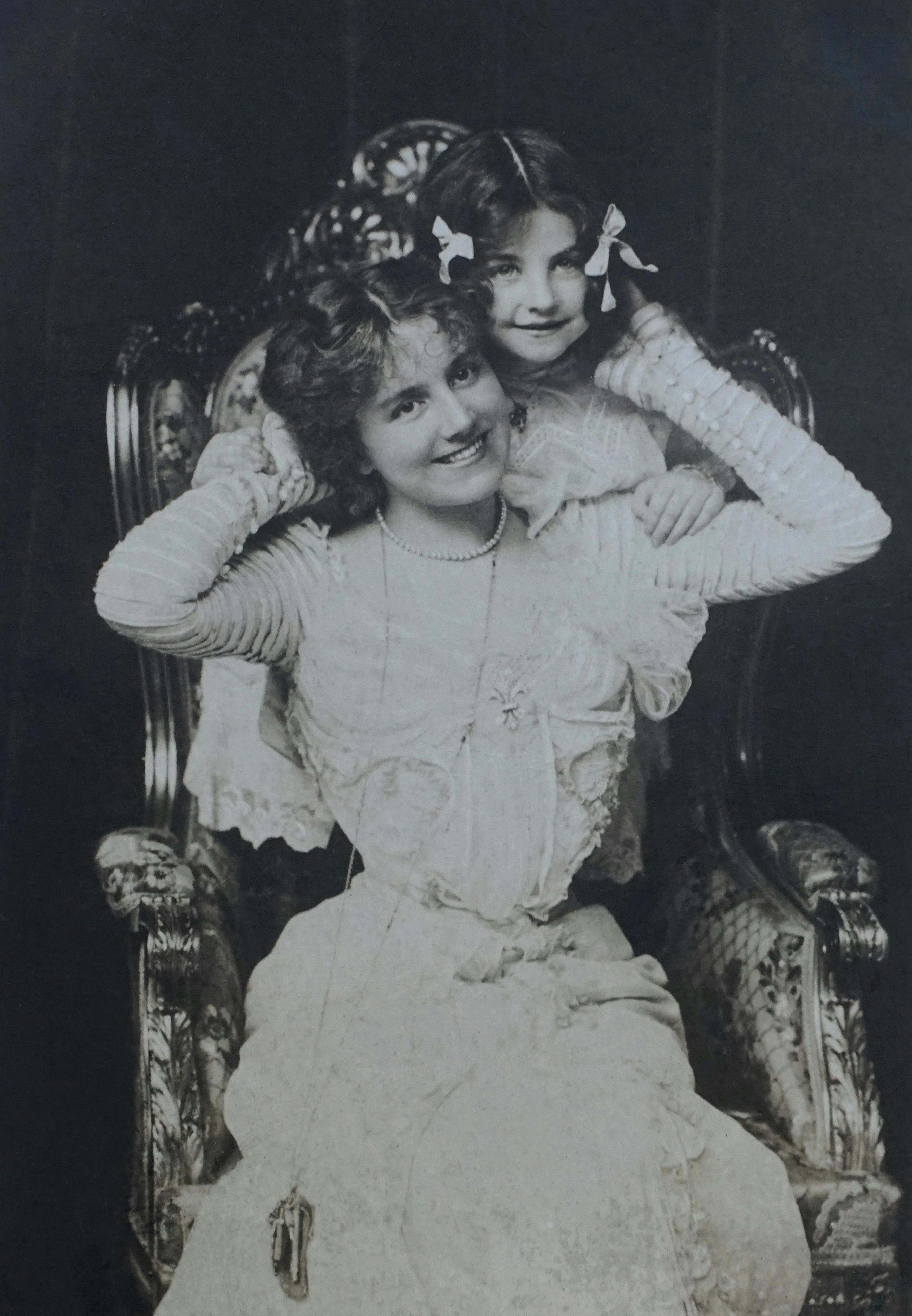

See the restoration quality
Family portrait
Noise and scratch removal with gentle skin tone balance and lifted shadows.
Upload a photo to restore it
Why people choose Renovo
Encrypted transfers
Your photo is uploaded over an encrypted HTTPS connection.
Preview before purchase
Preview the result with a watermark, then pay to download the clean photo.
Human support
Talk to a real team (PL/EN) ready to help if you need adjustments or assistance.
How does photo restoration work?
Upload a photo
Drag & drop a file or choose one from your computer. Our restoration engine gets to work immediately.
AI restoration and colorization
AI analyzes the photograph, reduces visible damage and adds color. Check the result before buying, especially faces and fine details.
Download the renewed memory
Review the preview. If you like the result, pay and download the restored file without a watermark.
See the result before paying
- See the full preview before payment
- One-time purchase without a subscription
- Real human support in English & Polish
- Encrypted file transfer
What our customers say
Klaus M.
Munich, Germany
“I found an old torn photo of my grandfather from the 50s. The AI perfectly reconstructed the missing corner and sharpened his face. Highly recommended!”
February 2025
Anna K.
Kraków, Poland
“Honestly blown away by the results. I had a faded, sepia-toned picture from my childhood and it came out looking incredibly crisp.”
July 2025
Pavel N.
Brno, Czechia
“Such a brilliantly simple tool. I uploaded a picture with severe crease marks and stains, and within seconds I had a flawless digital copy.”
January 2026
From a printed photograph to a restored image
Have a black-and-white photo, a creased portrait or an album to scan? Learn how to prepare your file and what to expect from AI restoration.
Frequently asked questions (FAQ)
What kinds of old photos can I restore online?
You can upload a scan or a photograph of a printed picture: a portrait, a family photo or another image from an album. Renovo can reduce scratches, stains and fading, and add color. Results depend on the condition and clarity of the original; AI can only interpret large missing areas.
What happens to my uploaded photo?
Your photo is uploaded over HTTPS and processed automatically using Google Gemini. You can review the preview before paying. Our privacy policy, linked in the footer, describes how files are processed and stored.
What do I receive after paying?
You can download the restored file without a watermark. Keep your original too. Before printing, check the image dimensions and zoom into the details: print quality depends on the file and the print size.
How much does photo restoration cost?
The preview is free. A single restored photo without a watermark costs PLN 5; the single-photo checkout currently charges in Polish zloty. Multi-photo packages are also available. This is a one-time purchase.
Does colorization recover the original colors?
AI estimates plausible colors from the image. A black-and-white photograph does not contain full information about the original colors, so the result is an interpretation. Compare it with the original and your family memories; AI may also change fine details.