Colorize old photos online
See a family portrait in color. Upload a digital copy of your black-and-white photograph, review the Renovo preview and decide whether to download the result.
See a free previewThe watermarked preview is free. A single-photo download without the watermark costs 5 PLN. No subscription.
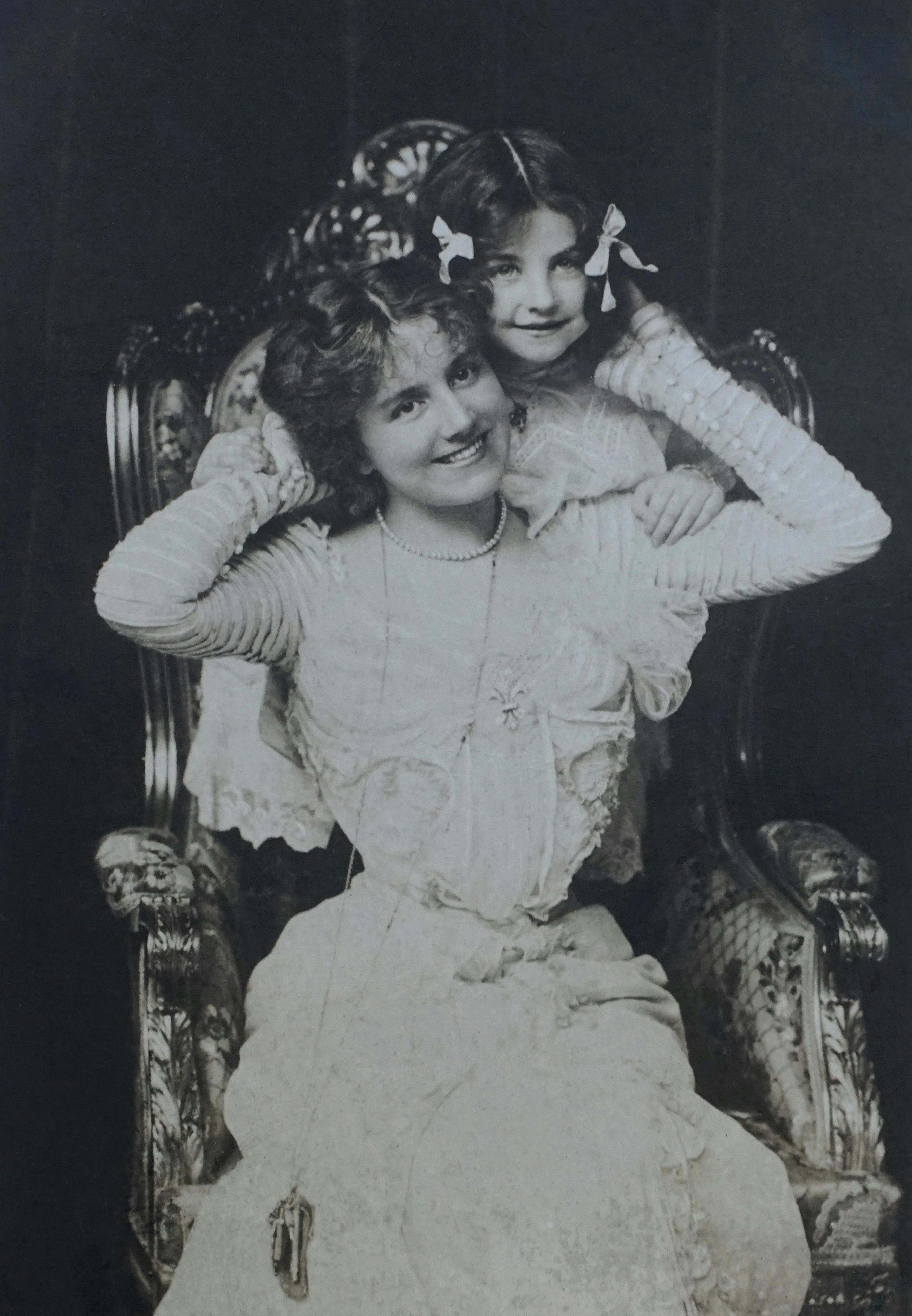
Before

After processing
From a black-and-white photograph to a color copy
Upload your photograph
Choose a scan or a clear camera photo of the print. You can adjust the crop in the upload form before processing begins.
Review the result
Renovo processes the photo automatically, combining colorization with restoration. The watermarked preview lets you inspect the result before buying.
Decide whether to download
If you like the result, continue to payment and download the image without the watermark. Keep your original scan as well.
Where do the colors come from?
AI chooses colors using the visible scene and patterns learned during training. A black-and-white photograph alone usually cannot reveal the precise color of someone’s eyes, dress or surroundings.
Treat the result as a new version of a family memory. For genealogy research or a historical publication, keep the source image and label the color version as AI processed. Colorization in Renovo is automatic; the upload form does not let you specify particular colors.
Choose a copy that still contains detail
A clear scan or a photo of the entire print, taken without reflections, gives the process more information. A small image from a messaging app may already have lost facial detail.
- Upload a JPG, PNG or WEBP file. For TIFF or HEIC, export a separate copy in a supported format.
- Keep the natural lighting and contrast. Avoid beauty filters and heavy sharpening before uploading.
- Keep faces and clothing inside the frame. You can adjust the crop in the upload form.
Look closely at faces before buying
Compare the preview with the original: eyes, mouths, hairlines and small clothing patterns. When the source is unclear, AI can change details or introduce ones that were never in the photograph.
Check writing and background objects too. If the result does not meet your expectations, you can stop at the free preview.
Before you start
Is photo colorization free?
The watermarked preview is free. A single-photo download without the watermark costs 5 PLN. Review the final price and currency before confirming payment.
Can I colorize a photo taken with my phone?
You can upload a camera photo of a paper print. Make sure it is sharp, hold the phone parallel to the print and avoid reflections. The scanning guide linked below explains how to prepare the copy.
Will Renovo recover the exact eye or clothing color?
There is no guarantee. AI suggests plausible colors, while a black-and-white original does not contain complete information about the actual hues.
Try colorization on your own photograph
Choose one photo from your album and review the preview before deciding to buy.
See a free previewThe watermarked preview is free. A single-photo download without the watermark costs 5 PLN. No subscription.